
One home for every coding CLI
Connect, install, and manage the tools you already use without bouncing between docs, package managers, and terminal commands.
From CLI sprawl to command clarity.
Install, configure, standardize, and monitor Codex, Claude Code, Aider, Gemini CLI, Kimi Code, Qwen Code, and more from one cross-platform desktop app. Create reusable skills, prompts, plans, and workflows that stay organized as your stack grows.
Demo coming soon
A scroll-driven product walkthrough will appear here.
Be the first to know when CL1zer launches.
Capabilities
Everything from setup to prompt ops, planning, and monitoring—without the dotfile chaos.
Connect, install, and manage the tools you already use without bouncing between docs, package managers, and terminal commands.
Build, explain, compare, export, and reuse configs with confidence instead of editing opaque files by hand.
Create, import, export, and deploy reusable workflows at user, CLI, or project scope.
Turn rough ideas into clear, structured prompts and reusable command templates.
Generate plans, SPECS, EPICS, STORIES, and TASKS from a single objective.
Challenge assumptions, uncover blind spots, and sharpen decisions before agents start coding.
Watch multiple sessions side by side and stay in control while work fans out across terminals.
Track API usage, auth state, and workflow drift before they turn into cost or access problems.
Deep Dive
01
Onboard and maintain your AI coding stack from one place. Cl1zer handles installation, setup, switching, and ongoing management so multi-tool development feels deliberate, not improvised.
02
Build custom aliases, reusable profiles, and portable configurations for every CLI you use. See what each config changes, explain it in plain language, compare variants, and export clean setups when they’re ready to share or deploy.
03
Create, improve, modify, import, export, and deploy the instructions that make your workflows repeatable. Cl1zer turns skills, prompts, and command workflows into structured assets instead of scattered files, terminal history, and forgotten notes.
04
Move from rough idea to clear execution with prompt building, plan generation, SPECS, EPICS, STORIES, TASKS, and Socratic brainstorming. Better thinking upstream gives both humans and agents a better starting point downstream.
05
Run parallel coding sessions with real visibility. Monitor multiple terminals, follow work across sessions, and keep context intact when several agents are moving at once.
06
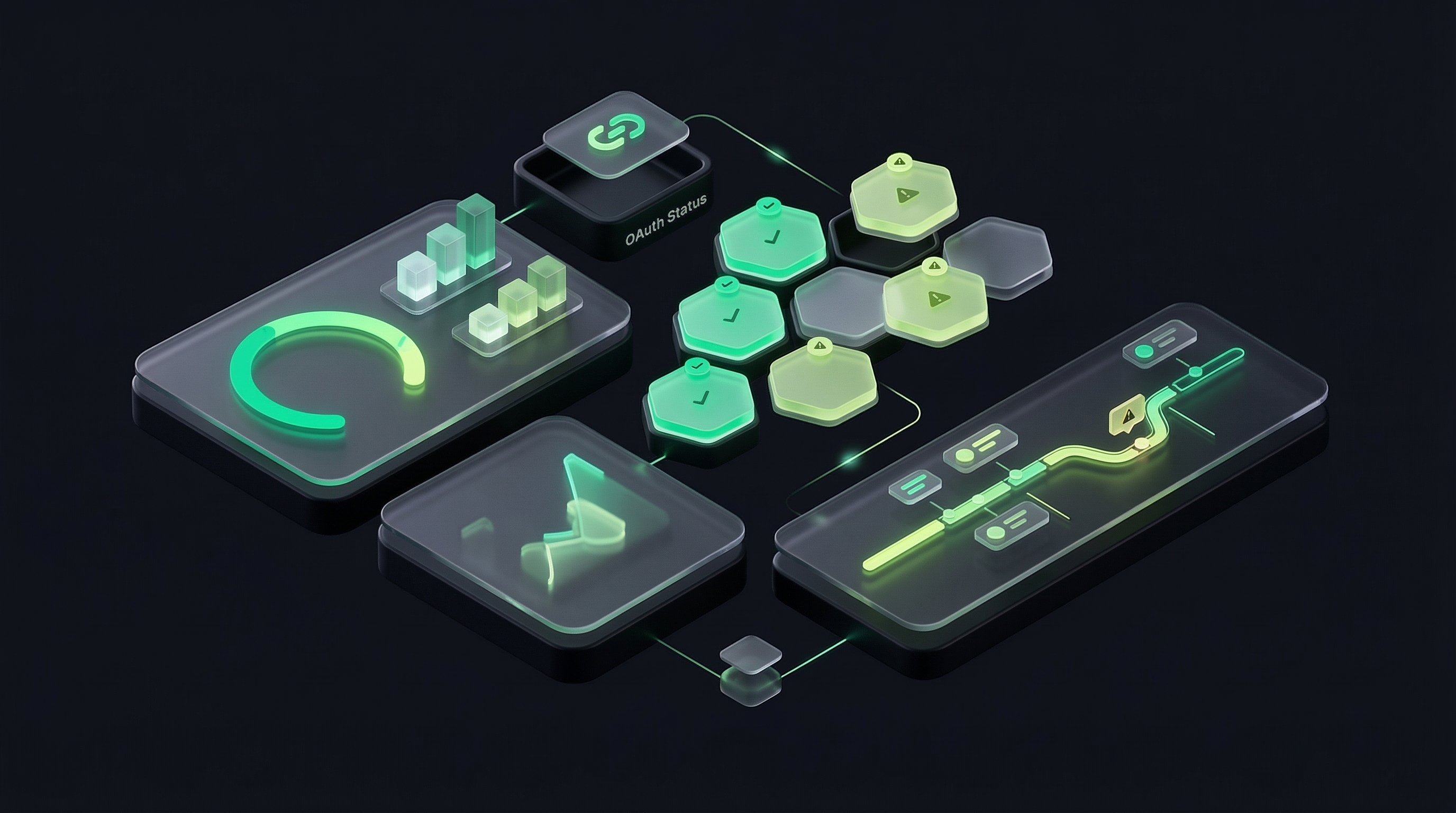
Track API consumption, OAuth status, and workflow activity in one place. Cl1zer helps individuals and teams reduce wasted spend, avoid broken access, and keep fast-moving AI-assisted development under control.
07
Import, export, and reuse the assets that make your team productive. Move configs, prompts, and skills between machines, projects, and teammates without rebuilding the same workflow every time.
Plans
Start with a free trial. Upgrade anytime as your needs grow.
Core features for individual workflows.
Full feature set with priority updates.
Best value — yearly billing, fewer events.
Overview
Desktop App
One desktop surface for every AI coding CLI — configs, agents, prompts, and instances.
macOS 12 Monterey or later. Apple Silicon and Intel supported.
Windows 10 (1803) or later. x64 architecture.
Grab the .dmg installer above. Your browser may ask you to confirm the download.
Open the .dmg and drag CL1zer into your Applications folder. Launch it from Launchpad or Spotlight.
Log in with your CL1zer account. Your subscription, configs, and agents sync automatically.
Built with Tauri and Rust — instant startup, minimal memory footprint, and direct OS integration.
No secrets stored on disk. Credentials live in the cloud and are accessed through secure, scoped sessions.
One surface for every AI coding CLI — configs, skills, agents, prompts, and project instances.
Get in Touch
Whether you have a question about features, pricing, or anything else — our team is ready to help.
Get a response within 24 hours.
support@cl1zer.comComing Soon
Coming SoonComing Soon
Coming Soon